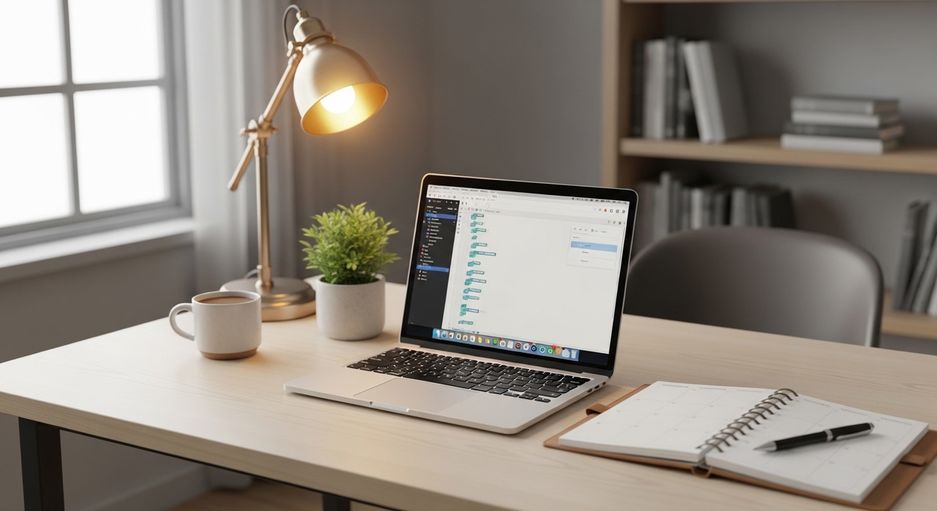
When working from home, it’s easy to overlook how your workspace affects your body. Many people find themselves slouched on the sofa or hunched over a kitchen table, unaware of the strain this puts on their spine, neck, and joints. Over time, these poor habits can lead to discomfort, stiffness, and even long-term injuries.
At YourHealthNomad, I focus on helping people not just treat pain but understand its root causes. As a chiropractor in Stockport, I’ve seen how small adjustments to your desk setup and posture can make a huge difference in preventing aches and pains. It’s not just about sitting properly; it’s about creating a workspace that supports your body and helps you stay healthy in the long run.
The Hidden Risks of Poor Desk Posture
Most people don’t realise how much their desk setup impacts their health until they start feeling the effects. Sitting in a slouched position, craning your neck forward, or working with your wrists at awkward angles can lead to a range of issues, including:
- Neck and shoulder tension
- Upper and lower back pain
- Wrist and elbow strain
- Headaches and fatigue
These problems don’t happen overnight, they build up over time. By understanding how your posture and workspace contribute to these issues, you can take steps to prevent them before they become serious.
How to Create a Healthy Workspace
Setting up your desk properly doesn’t have to be complicated. Here are some practical tips to help you create a workspace that supports your body:
1. Choose a Supportive Chair
- Avoid soft chairs or sofas that encourage slouching. Instead, choose a chair that supports your spine and promotes an upright posture. Your feet should rest flat on the floor, with your hips slightly higher than your knees.
2. Position Your Keyboard and Mouse
- Keep your keyboard and mouse directly in front of you to avoid leaning or twisting.
- Your wrists and forearms should stay in a neutral position. If you’re using a laptop, invest in an external keyboard and mouse to avoid awkward angles.
3. Adjust Your Screen Height
- Your screen should be at arm’s length, with the middle of the screen at eye level. This helps prevent neck strain and rounded shoulders.
- If you’re using a laptop, consider a laptop stand or an external monitor to achieve the correct height.
4. Keep Your Desk Organised
- A cluttered desk can force you into awkward positions. Keep your workspace tidy and ensure your keyboard is aligned with your screen to avoid unnecessary strain.
5. Consider a Standing Desk
- Standing desks can be a great way to reduce the strain of sitting all day, especially for remote workers and office professionals.
- To take your workspace setup to the next level, consider pairing your standing desk or laptop height adjuster with a walking pad.
6. Movement is Key
- Even with the perfect desk setup, staying in one position for too long can lead to stiffness and discomfort. Movement is essential for keeping your body healthy and preventing pain.
7. Take Regular Breaks
- Aim to stand up, stretch, or walk around every 20–30 minutes. This helps reduce pressure on your spine and keeps your muscles active.
8. Incorporate Desk Exercises
- Simple stretches, like rolling your shoulders or gently twisting your torso, can help relieve tension and improve circulation. These small movements can make a big difference over the course of your day.
9. Strengthen Your Body for Better Posture
Good posture doesn’t just happen, it’s supported by strong, healthy muscles. Weak core and neck muscles can force your body to rely on larger, less efficient muscles, which can lead to pain and fatigue. Strengthening these areas can help you maintain better posture and reduce the risk of injury.
10. Try This Neck Exercise
- Gently tuck your chin in and hold for a few seconds, then release. Repeat this exercise throughout the day to engage the deep muscles in your neck and counteract the strain of working at a computer.
Tools to Support Your Workspace
As a chiropractor in Stockport, I often recommend tools and equipment that can make a big difference in your comfort and posture. Some of my top recommendations include:
- Ergonomic Chairs: A supportive chair is the foundation of a healthy workspace.
- Laptop Stands: These help position your screen at the correct height, reducing neck strain.
- Walking Pads: If you’re using a standing desk or laptop height adjuster, a walking pad can be a great addition to keep you active and improve circulation while working.
Let’s Work Together to Prevent Pain
At YourHealthNomad, I’m here to do more than just manage your pain; I’m here to help you truly understand it. As a chiropractor in Stockport, I believe pain is often a signal from your body, pointing to underlying issues that need attention. My goal is to work with you to uncover the root causes of your discomfort, whether it’s poor posture, weak muscles, or daily habits that are putting strain on your body.
By helping you understand why the pain is happening, I can give you the knowledge and tools to take control of your health. This means you won’t have to rely solely on treatment – you’ll be equipped to make meaningful changes that prevent the pain from returning. Together, we can create lasting improvements in your posture, comfort, and overall well-being, empowering you to live a healthier, pain-free life.